Notices
Legal notices
Trademark and patents notice
Raymarine, Tacktick, Clear Pulse, Truzoom, SeaTalk, SeaTalkhs , SeaTalkng, and Micronet, are registered or claimed trademarks of Raymarine Belgium.
FLIR, YachtSense, DockSense, LightHouse, RangeFusion, DownVision, SideVision, RealVision, HyperVision, Dragonfly, Element, Quantum, Axiom, Instalert, Infrared Everywhere, The World’s Sixth Sense and ClearCruise are registered or claimed trademarks of FLIR Systems, Inc.
All other trademarks, trade names, or company names referenced herein are used for identification only and are the property of their respective owners.
This product is protected by patents, design patents, patents pending, or design patents pending.
Fair Use Statement
You may print no more than three copies of this manual for your own use. You may not make any further copies or distribute or use the manual in any other way including without limitation exploiting the manual commercially or giving or selling copies to third parties.
Important information
End-User License Agreements (EULAs)
EULAs can be viewed at any time from the Raymarine app by opening the side menu and selecting: and from the router’s web interface by selecting: .
Open source license agreements
Copies of the license agreements can be viewed at any time from the Raymarine app by opening the side menu and selecting: and from the router’s web interface by selecting: .
Technical accuracy
To the best of our knowledge, the information in this document was correct at the time it was produced. However, Raymarine cannot accept liability for any inaccuracies or omissions it may contain. In addition, our policy of continuous product improvement may change specifications without notice. As a result, Raymarine cannot accept liability for any differences between the product and this document. Please check the Raymarine website (www.raymarine.com) to ensure you have the most up-to-date version(s) of the documentation for your product.
Publication copyright
Copyright ©2023 Raymarine UK Ltd. All rights reserved. No parts of this material may be copied, translated, or transmitted (in any medium) without the prior written permission of Raymarine UK Ltd.
App installation
Installing the Raymarine app
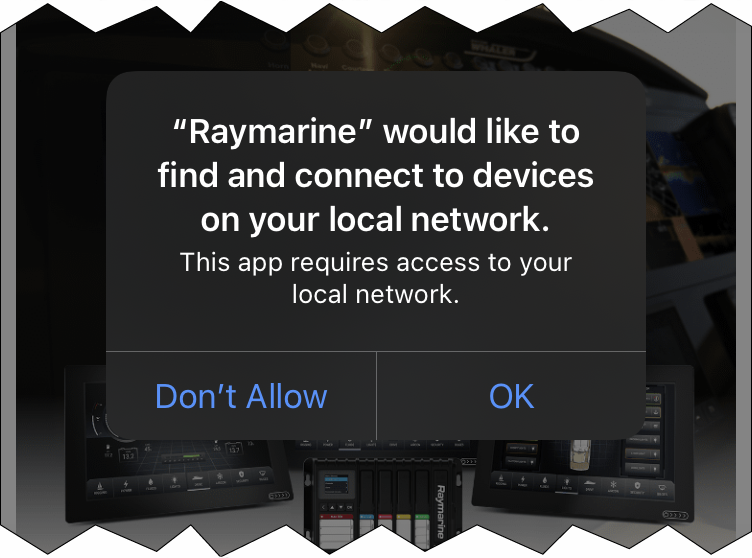
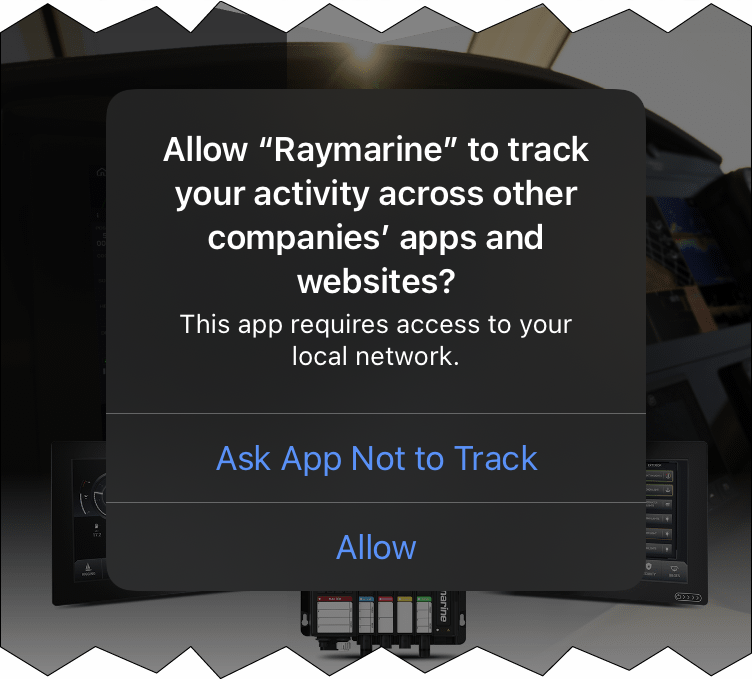
(Steps 4, 5 and 6 can be skipped by selecting Skip from the top of the screen.)
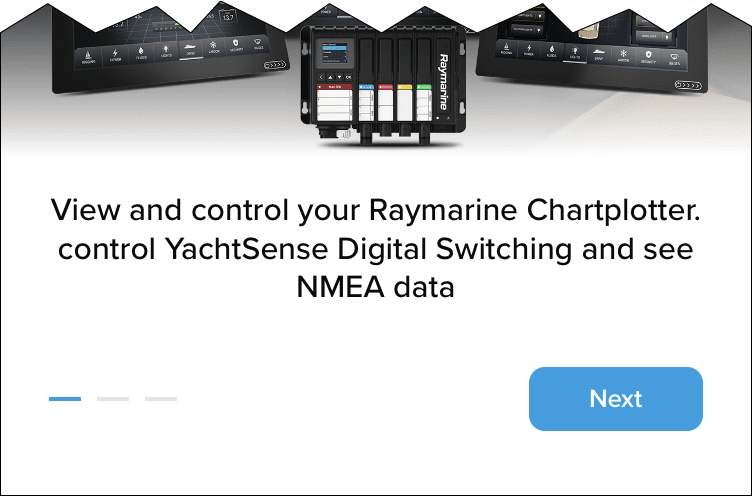
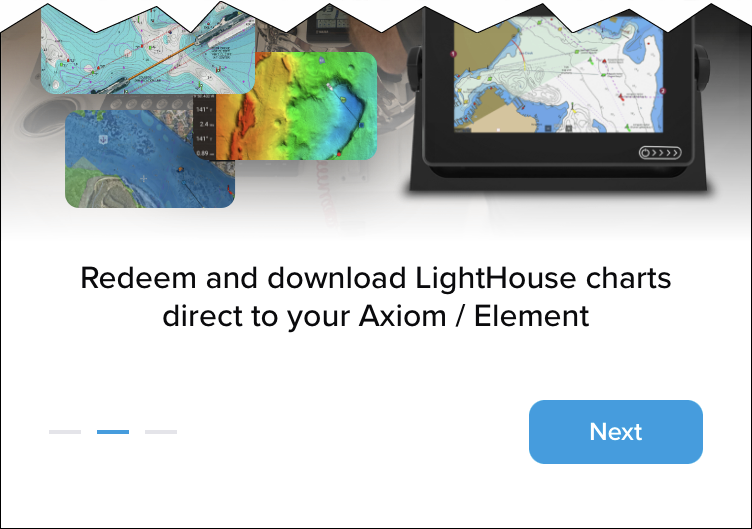
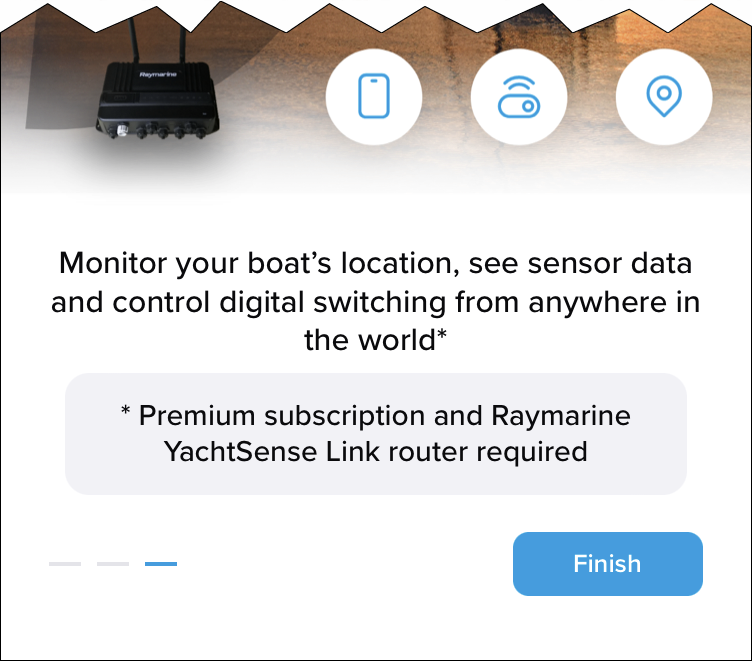
Installation is now complete and you can create an account or log in.
Account creation
Creating an account
If you already have an account, use your details to login and then skip to linking (onboarding) details: Linking (Onboarding), p.Linking (Onboarding)
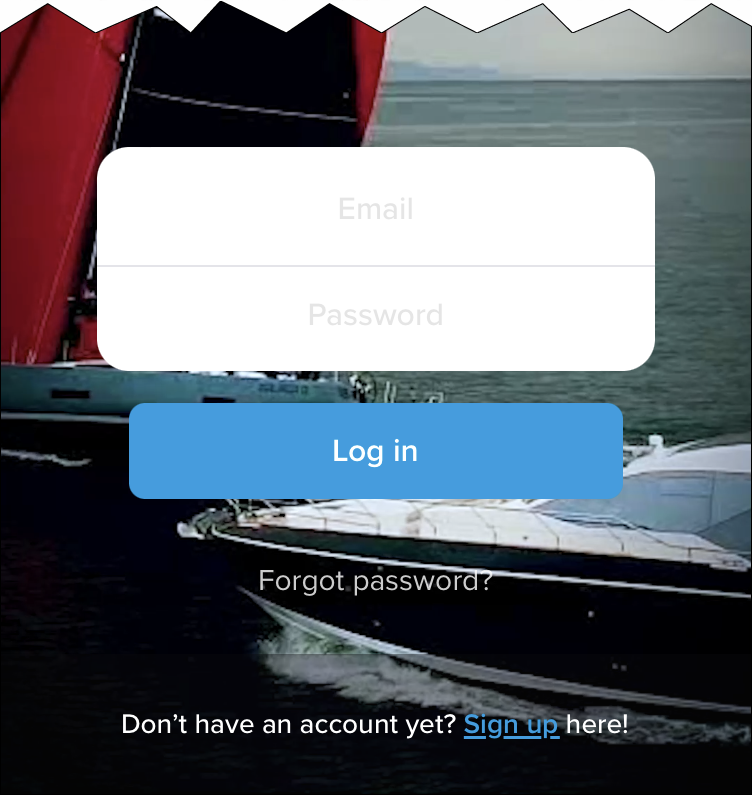
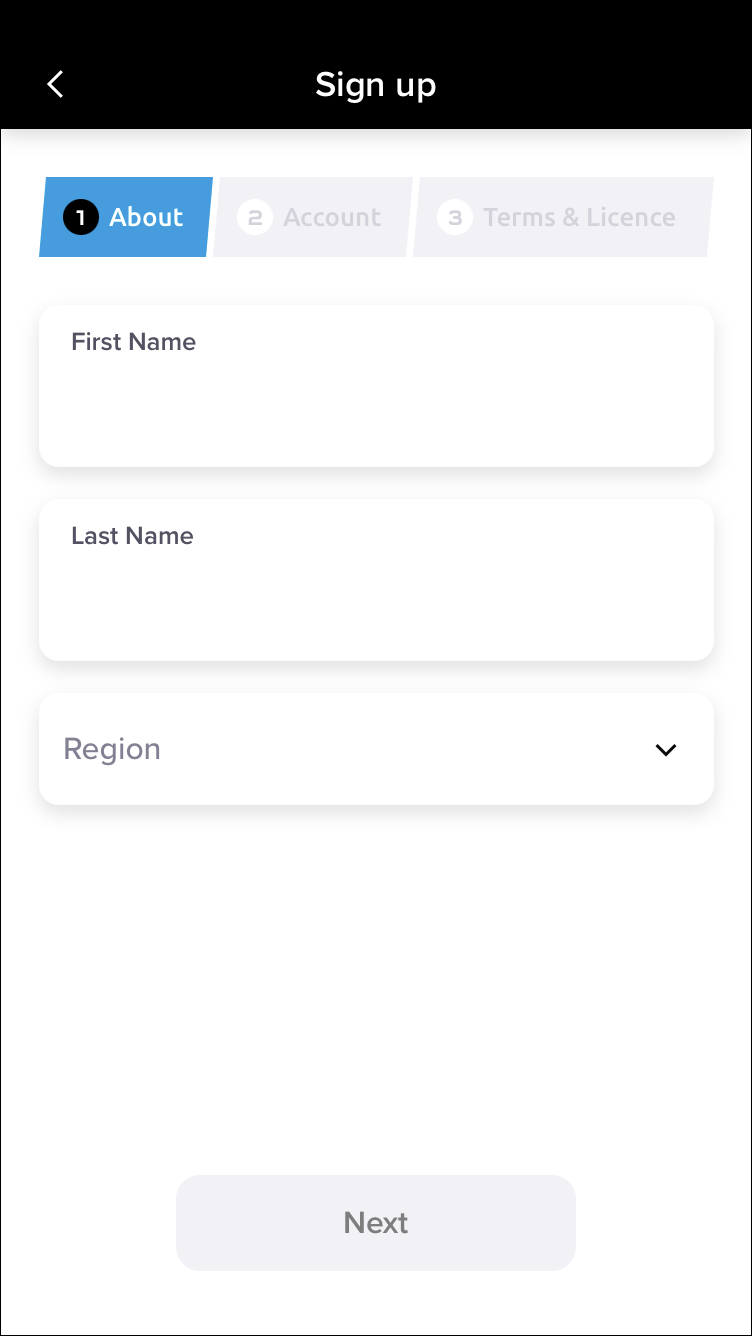
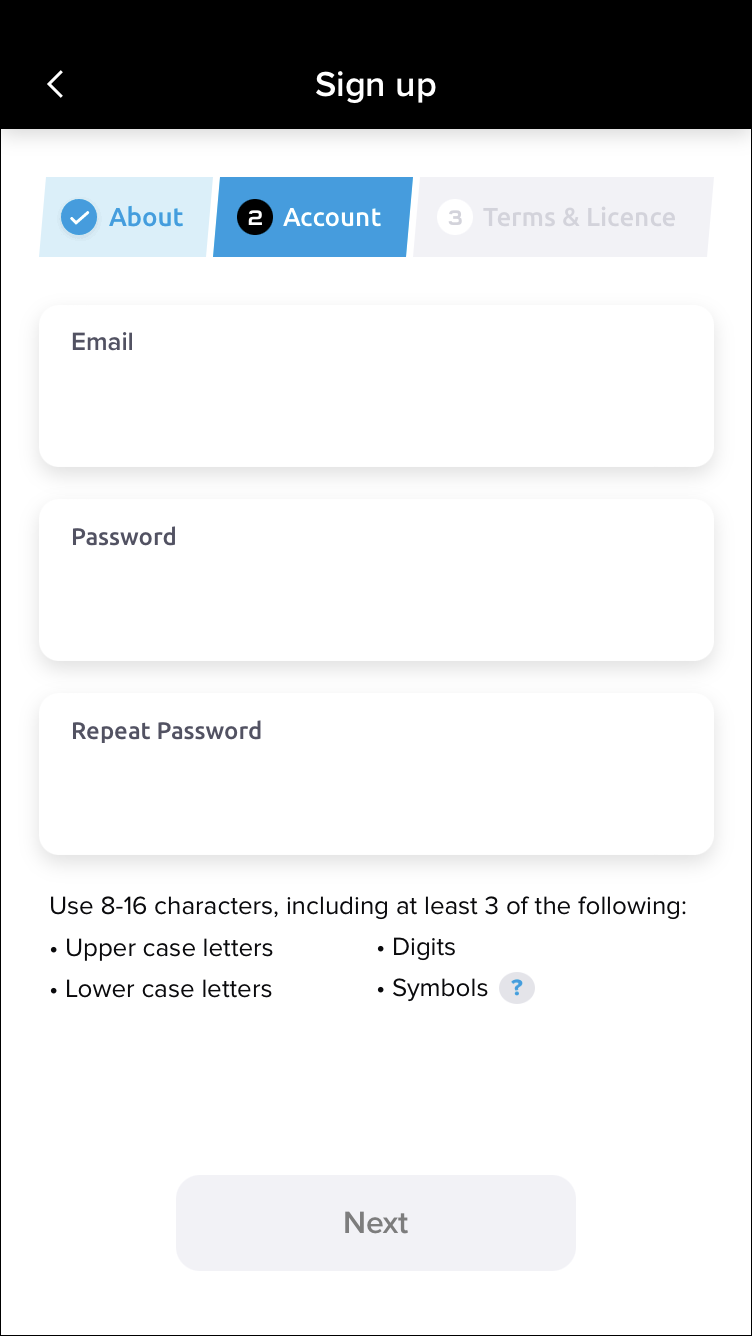
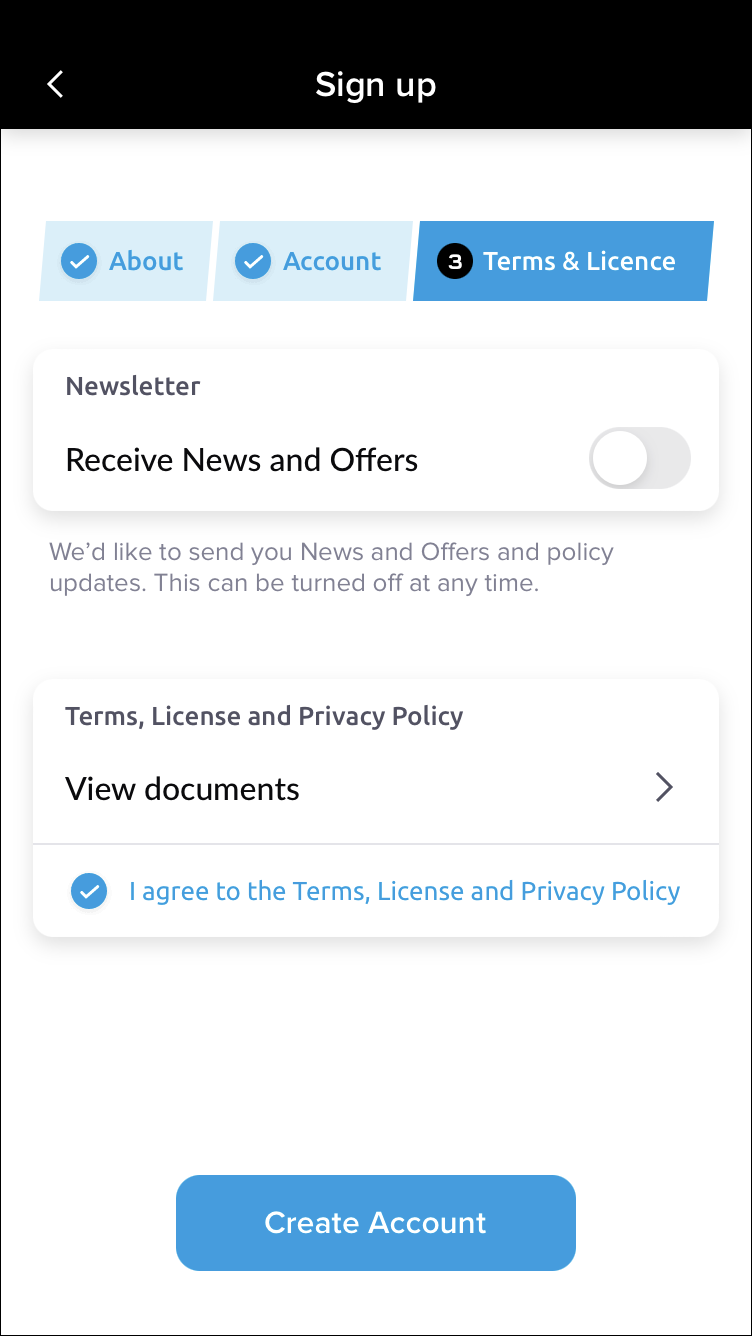
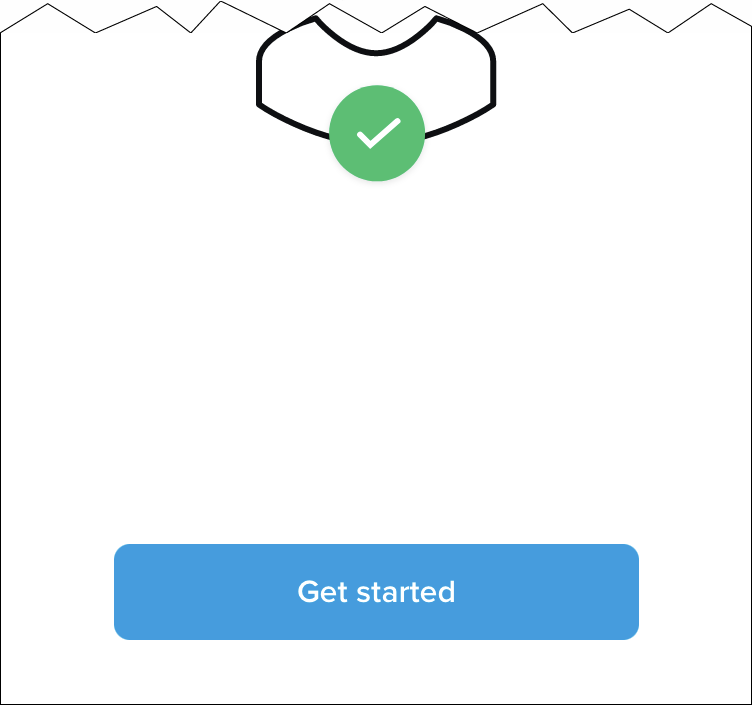
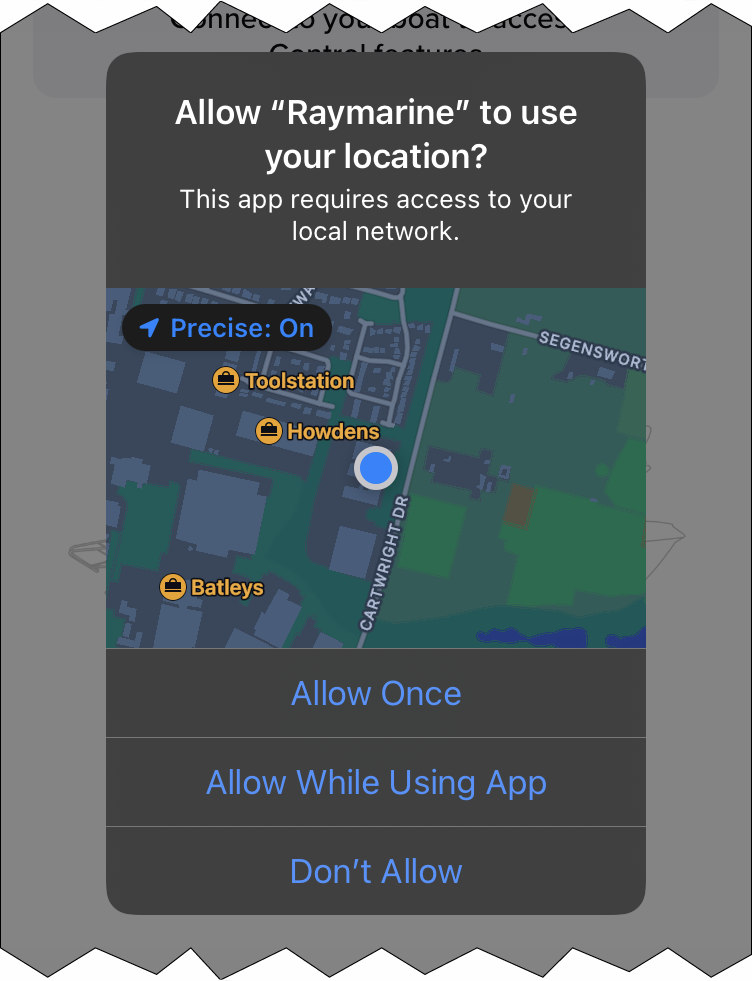
(If you select Don’t Allow you will not be able to use geofencing.)
You will now be logged-in to the app using your new account.
Linking (Onboarding)
Linking (Onboarding) your router
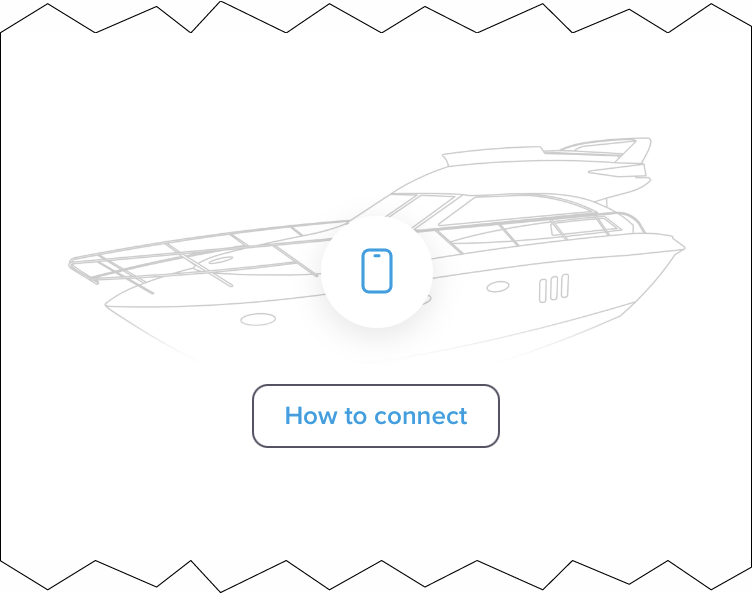
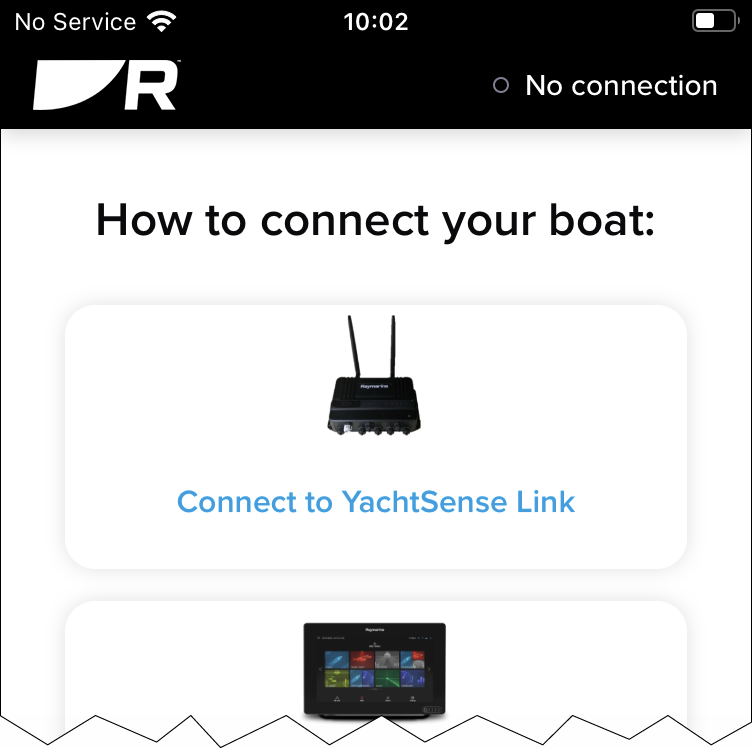
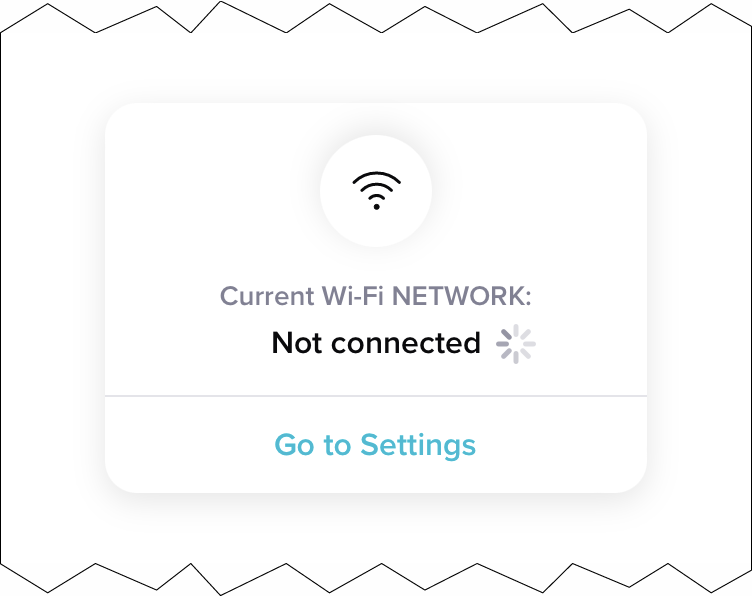
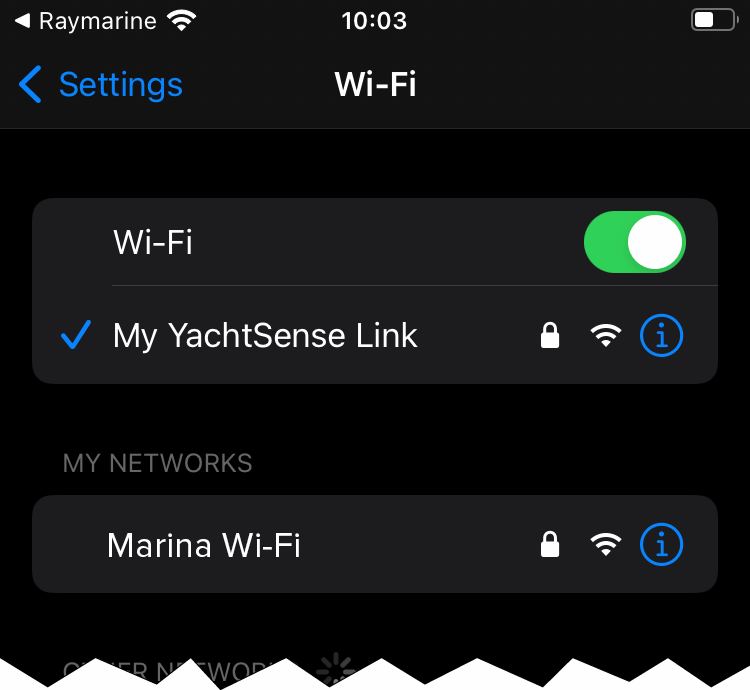
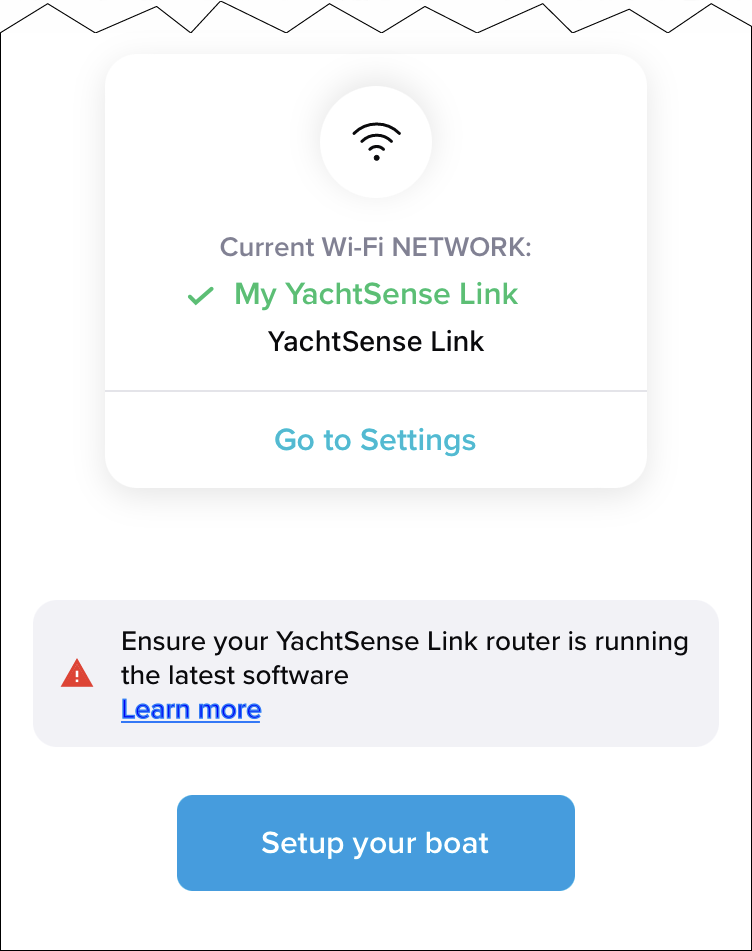
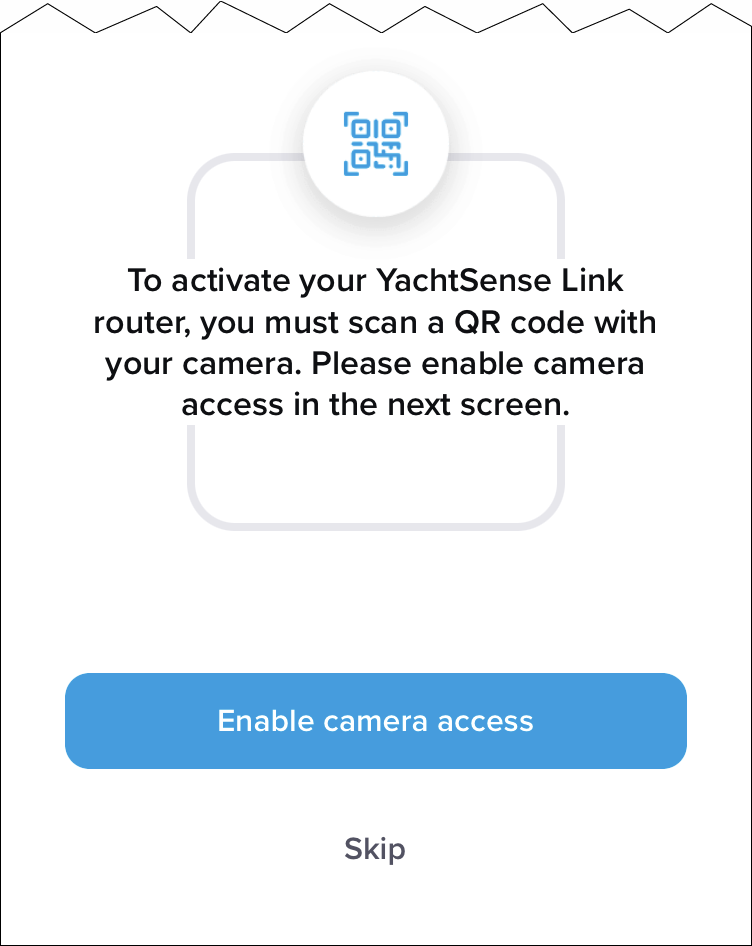
(The QR code can also be entered manually by selecting Skip and then Enter code manually.)
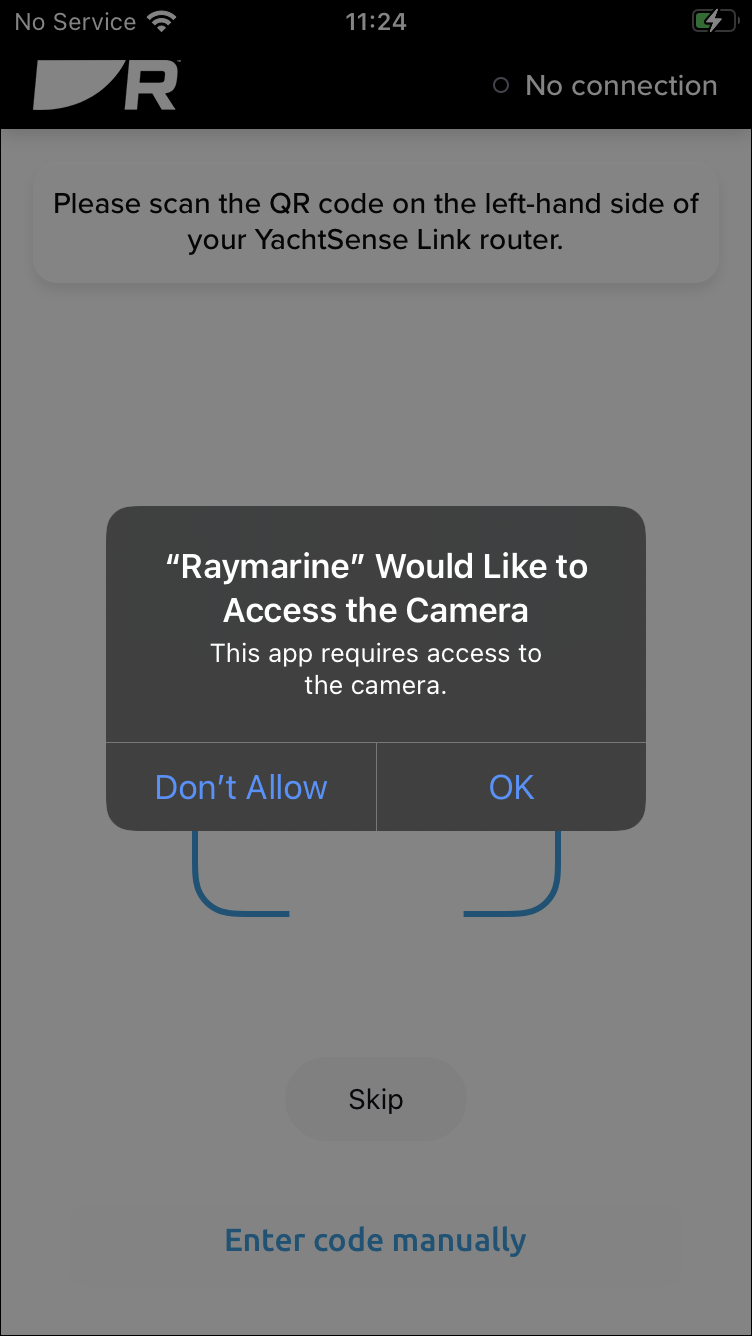
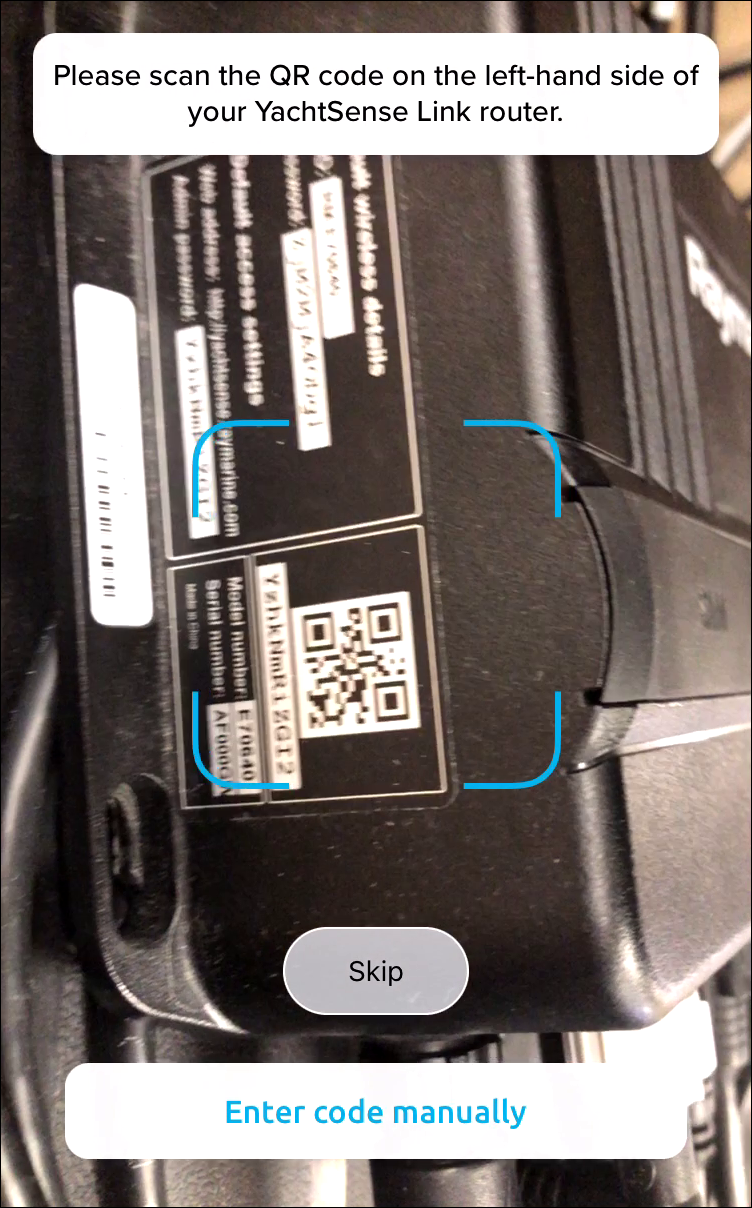
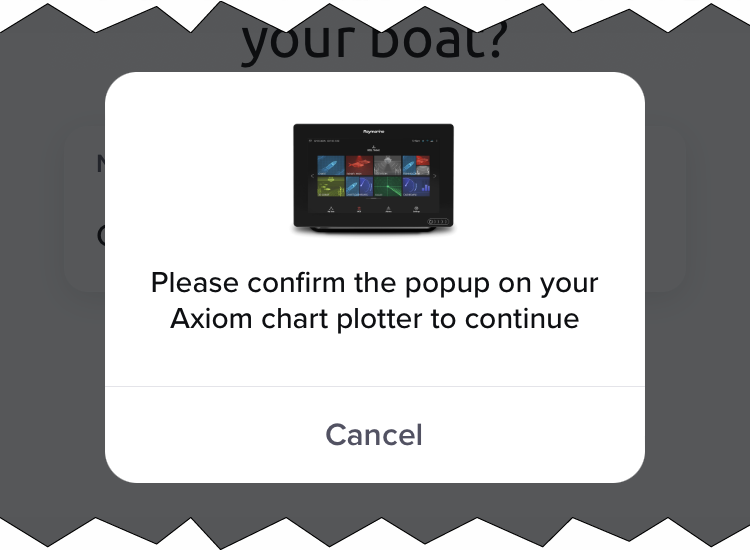
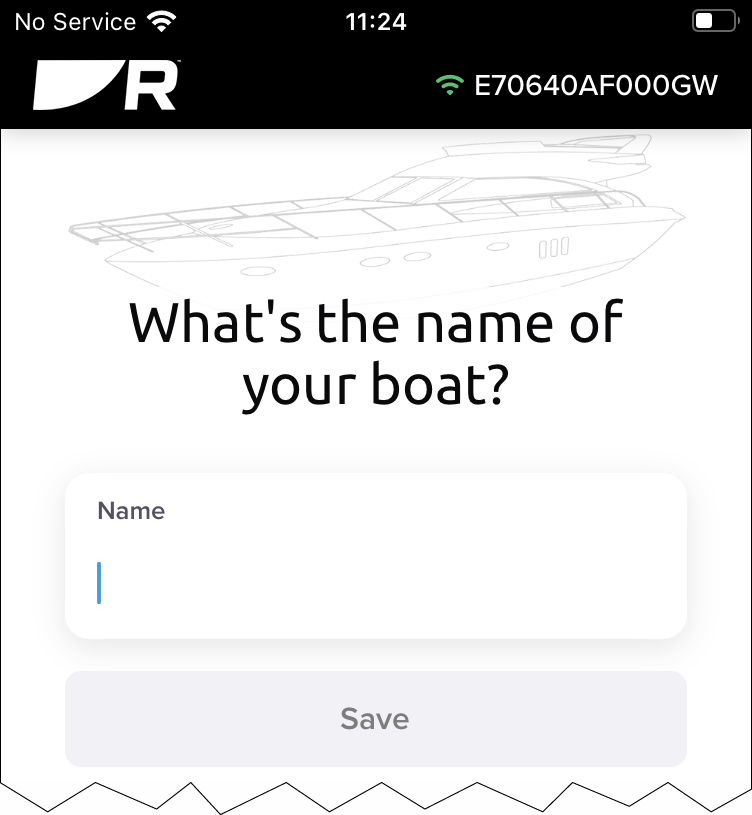
Your router has now been linked to your Raymarine account.
Premium membership
Subscribing for premium membership
(If you already have a subscription, you will be prompted to add your router to your premium subscription.)
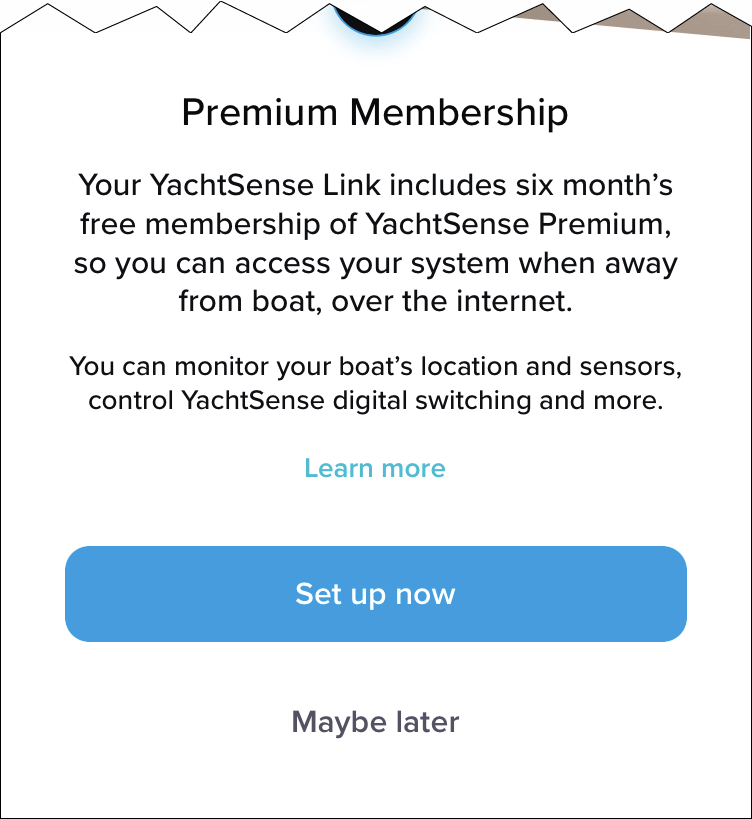
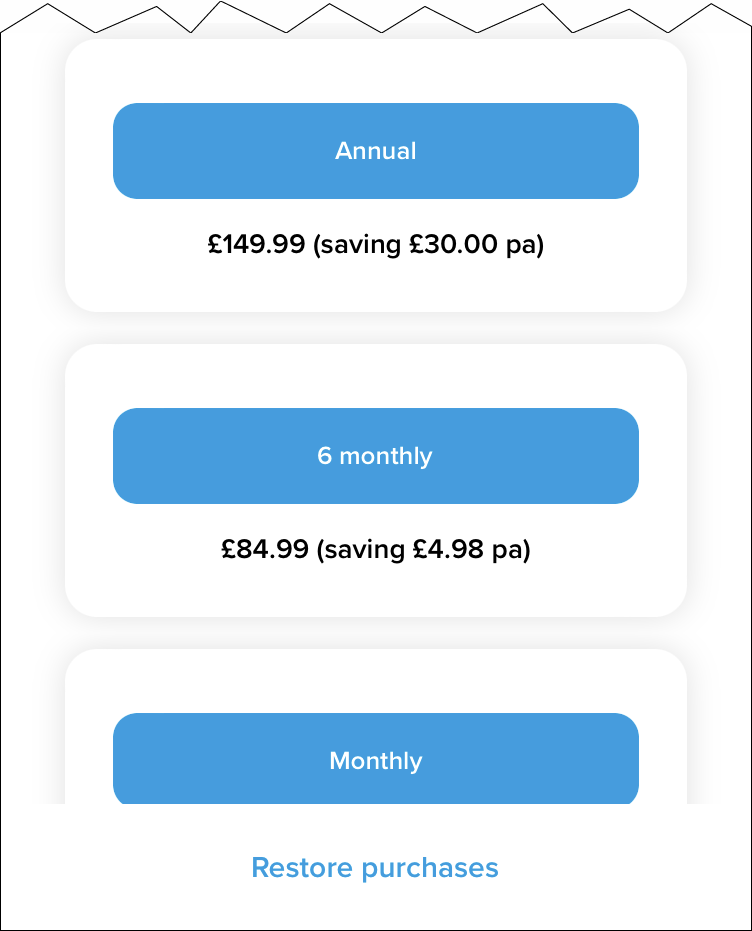
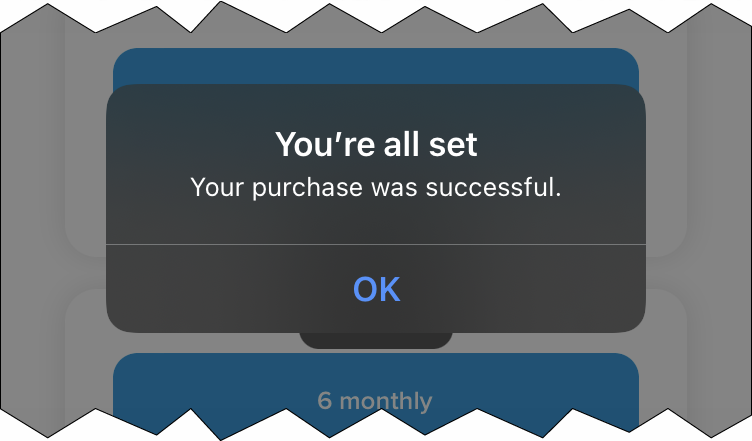
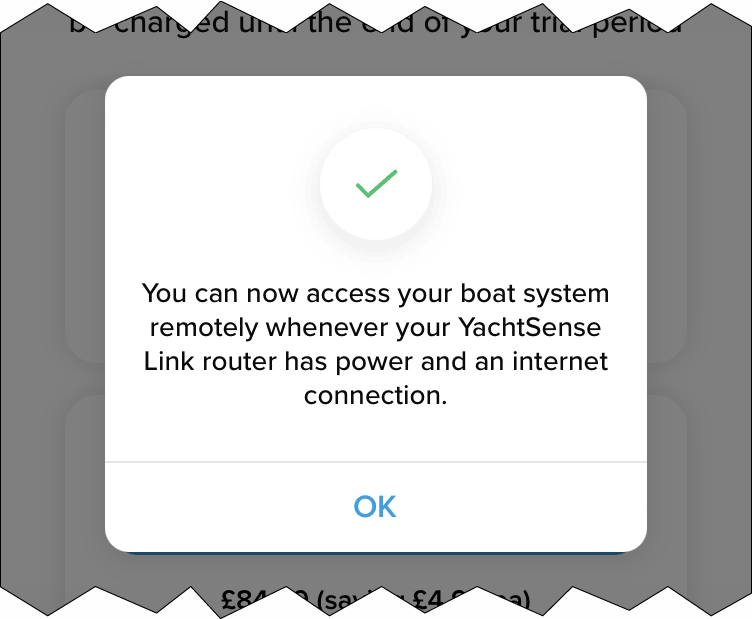
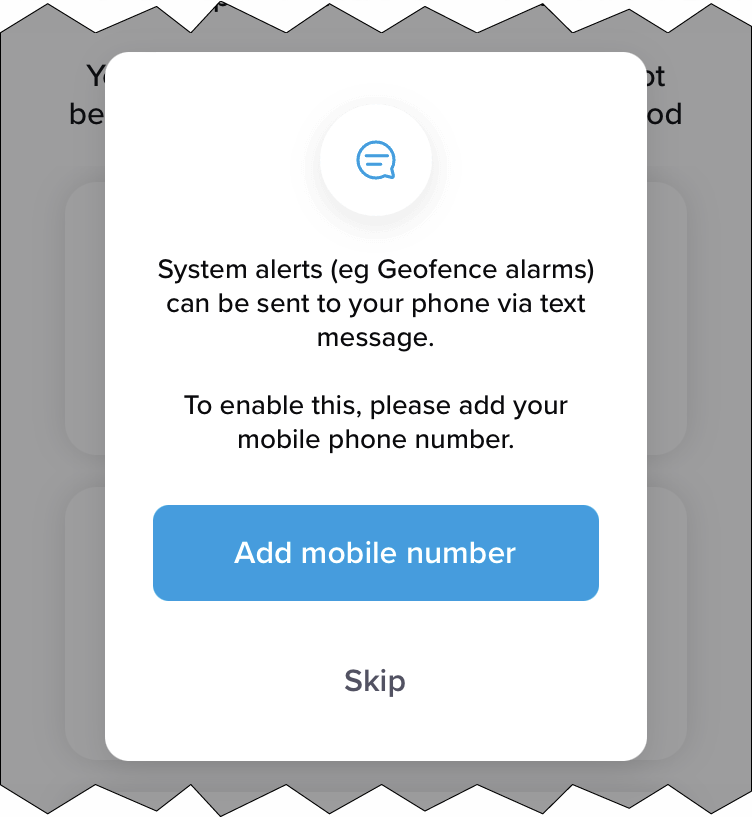
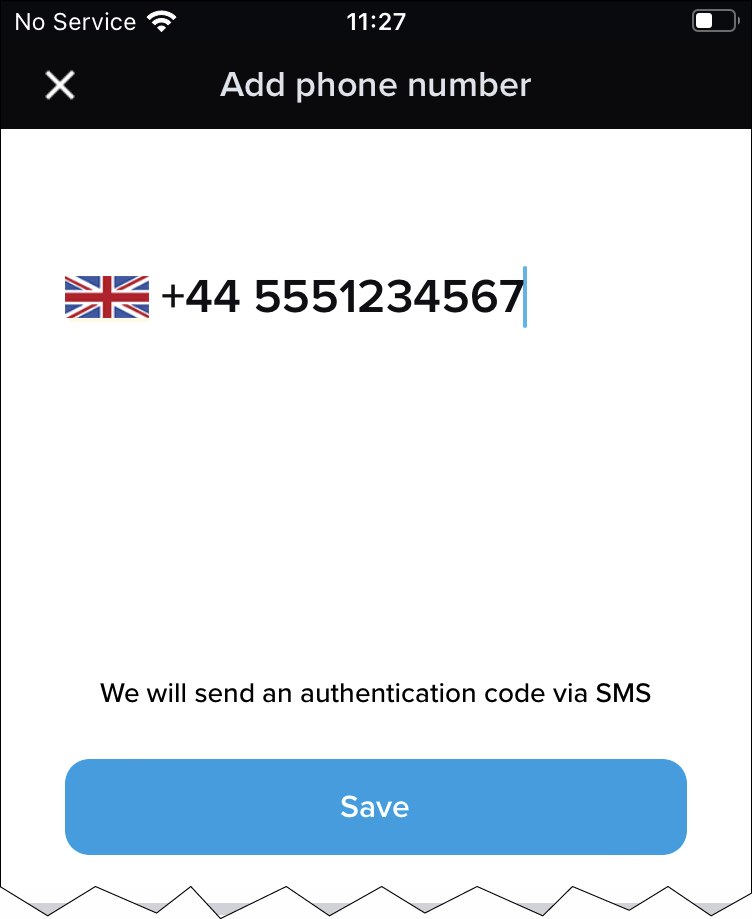
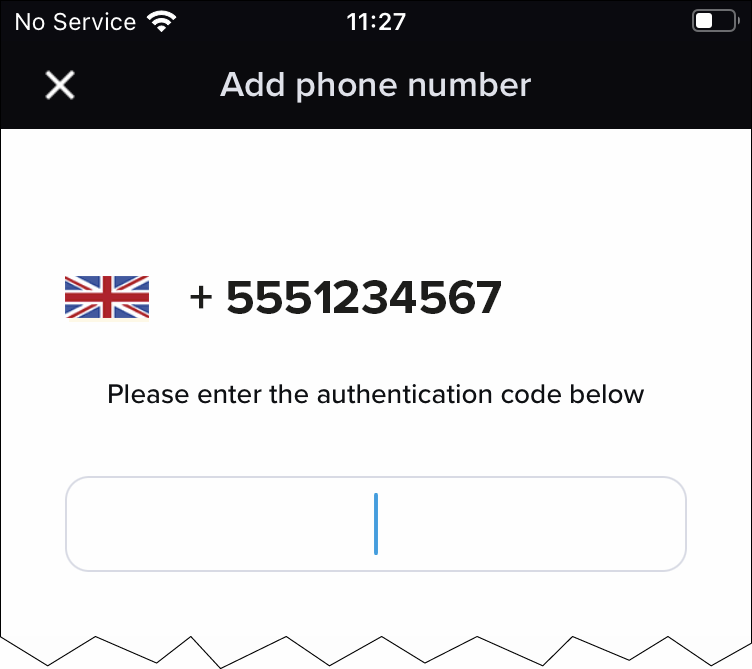
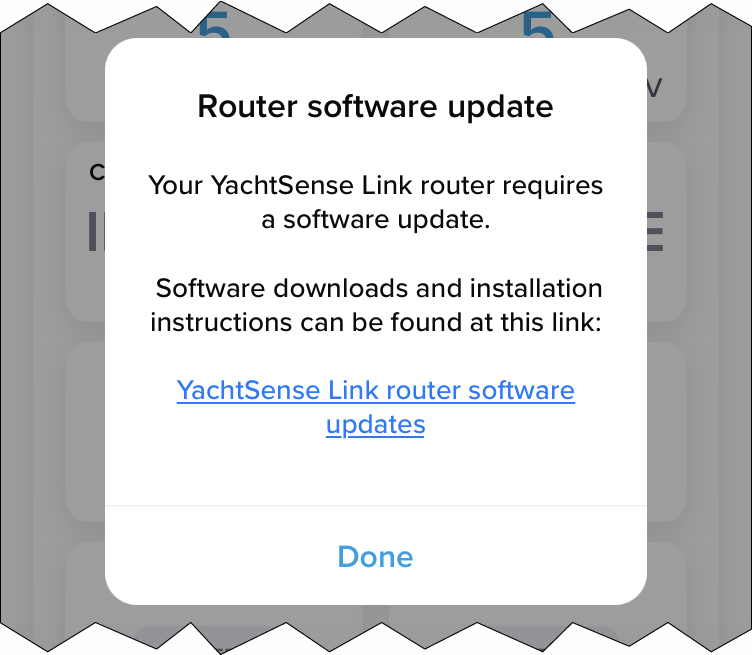
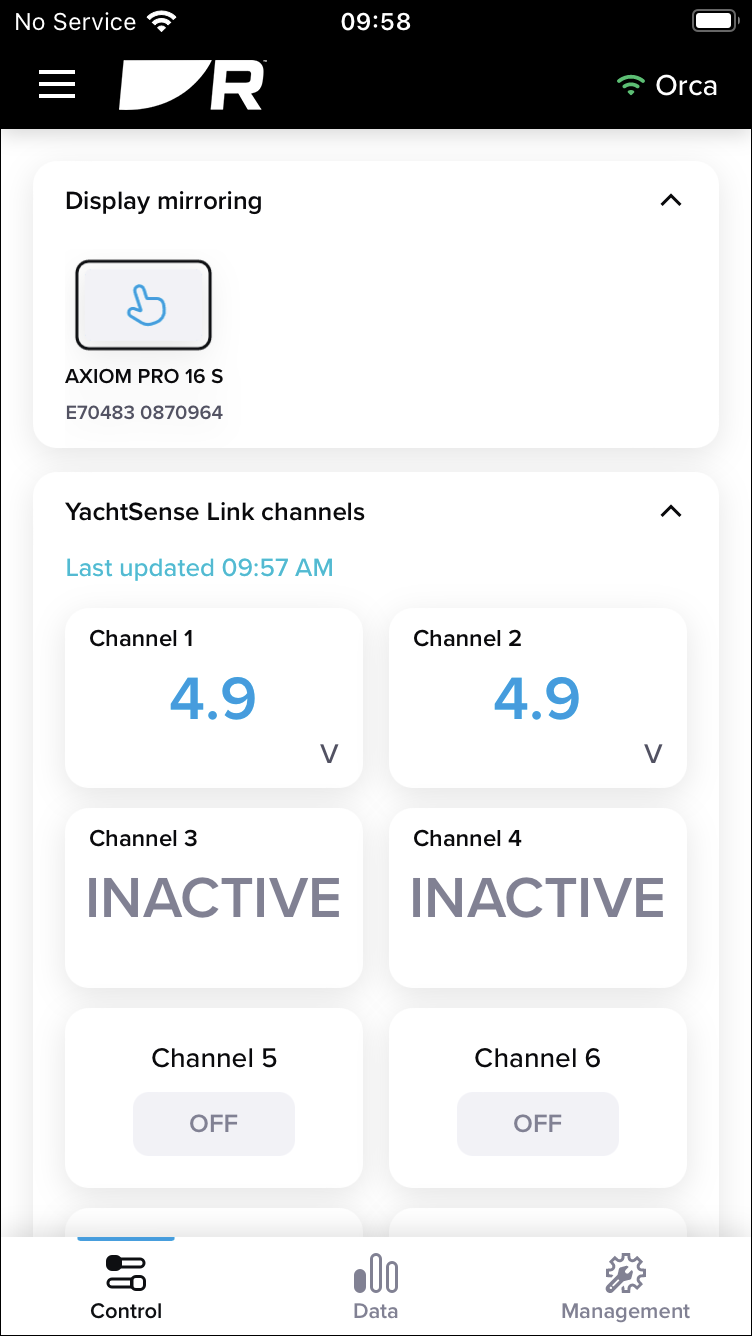
You can now monitor and control vessel systems onboard and remotely.
Boat system and router removal (Offboarding)
YachtSense Link router account transfer / ownership transfer
To link the router to a different account it must first be removed from the existing account. For instructions refer to: Unlinking (Removing) a router, p.Removing a router
Attempts to link to a router that is already linked to an account will fail.
If you receive a message when trying to link to your router that states it is already assigned to another account, you will need to contact the previous owner and ask them to remove the router from their account.
If you cannot contact the previous owner, Raymarine technical support may be able to contact them on your behalf.
In most cases if the previous owner cannot be reached or is unwilling to remove the router from their account, it will NOT be possible for you to link your router.
If you purchased the router new, via either a third party reseller or as a refurbished unit, and you receive a message that your router is already assigned to an account, you should return it to the seller for a refund or exchange and let them know that it is already linked to another account.
Product returns
For instructions refer to: Unlinking (Removing) a router, p.Unlinking (Removing) a router
Deleting a boat system
If you have more than one boat set up, you will first need to select the relevant boat system from the dropdown list.
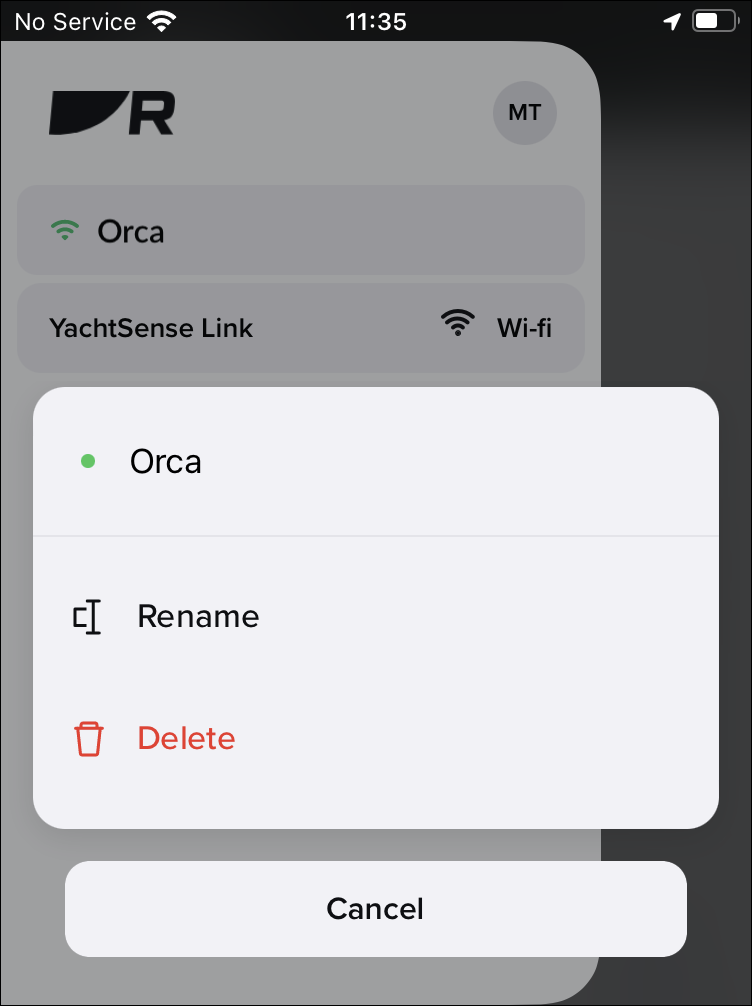
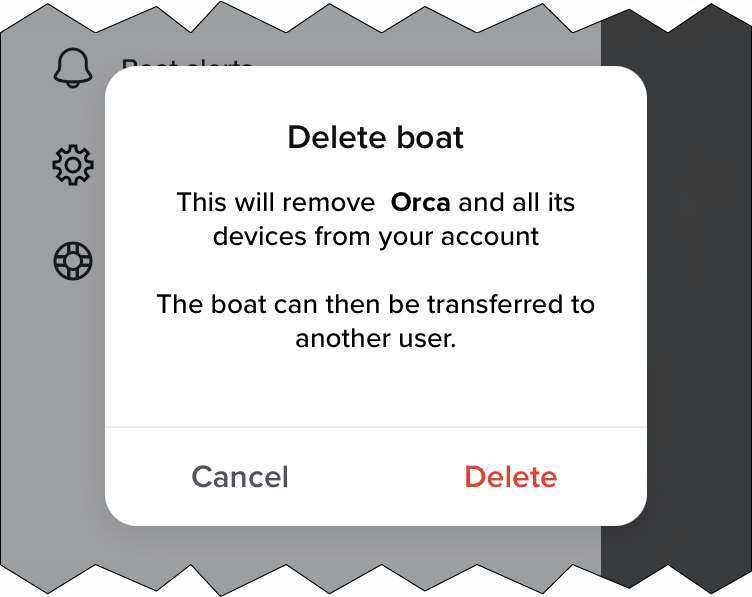
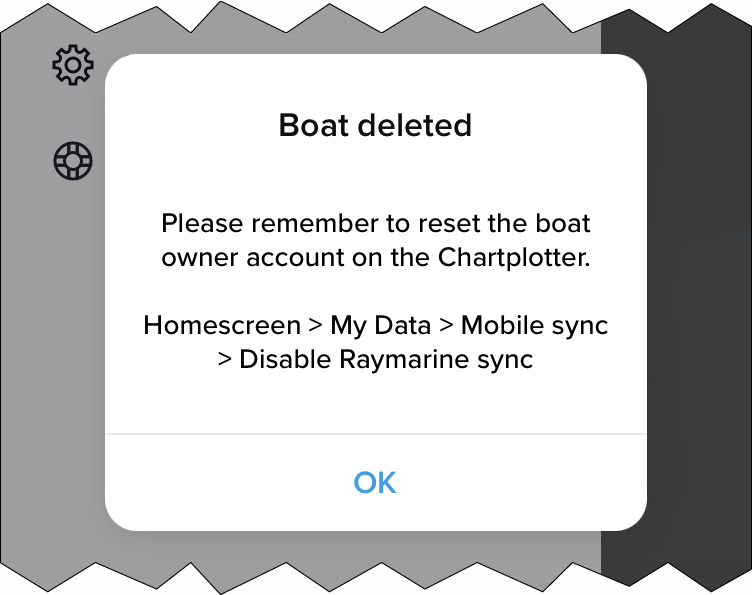
The boat system and all of its devices are now deleted from your app. If the deleted boat system included a YachtSense link router then the router will also be unlinked from your account and can now be linked (onboarded) again to the same account, or to a different account.
Unlinking (Removing) a router
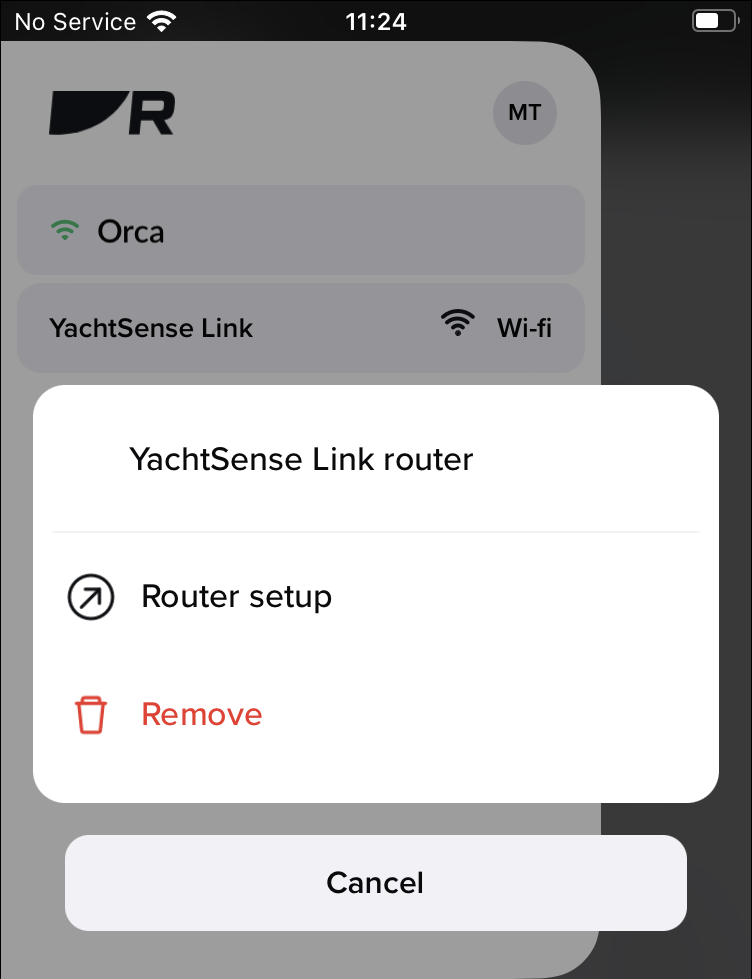
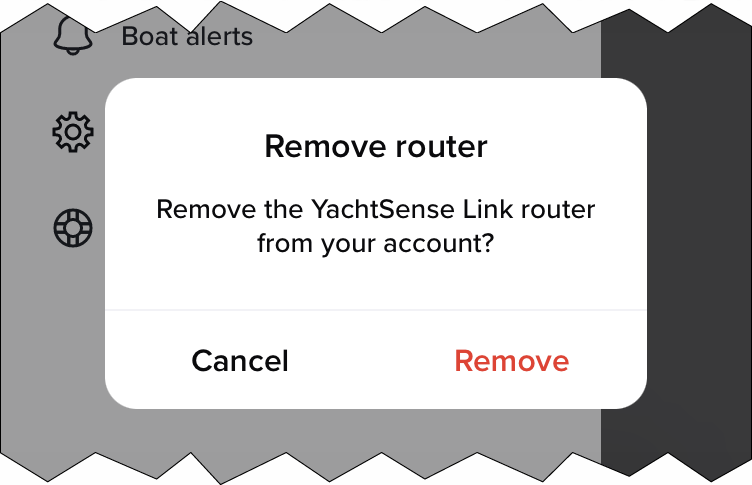
The router is now removed from the boat system and unlinked from your account. The router can now be linked again to the same account, or to a different account.